HiMedia Q10 Pro on mainline Linux 6.18
🌿 buddingupdated 2026-10-14#linux#hardware#tv-box#mainline#hi3798cv200#reference
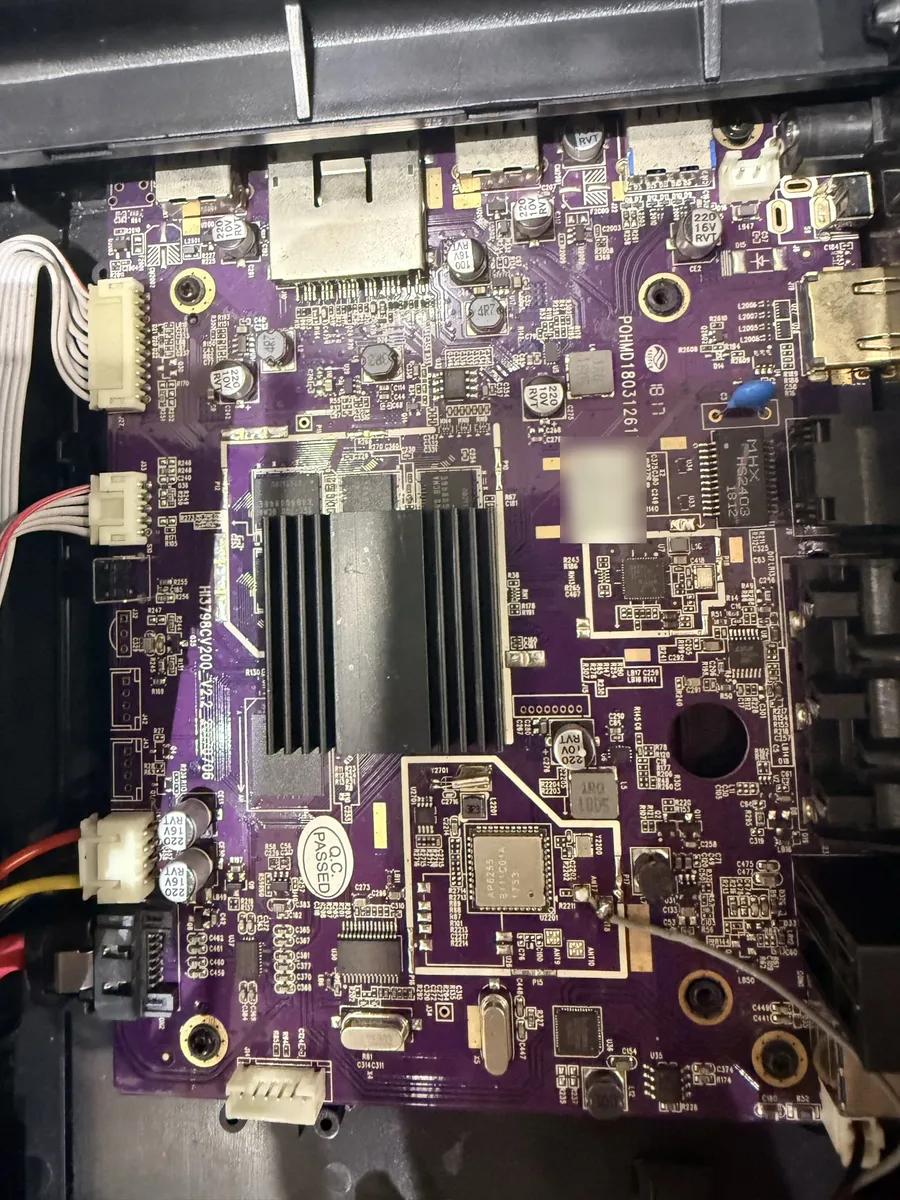
A reference for anyone holding the same box, or another Hi3798CV200 device. Each result below was measured on the box, and the evidence is given next to it. Where something is only inferred, it says so.
Tiếng Việt: HiMedia Q10 Pro chạy Linux mainline 6.18.
Summary
- Device: HiMedia Q10 Pro (2016). HiSilicon Hi3798CV200, 2 GB RAM, 3.5" SATA bay, VFD clock, RCA + optical + HDMI audio. Last firmware: Android 7 on a vendor 4.4 kernel.
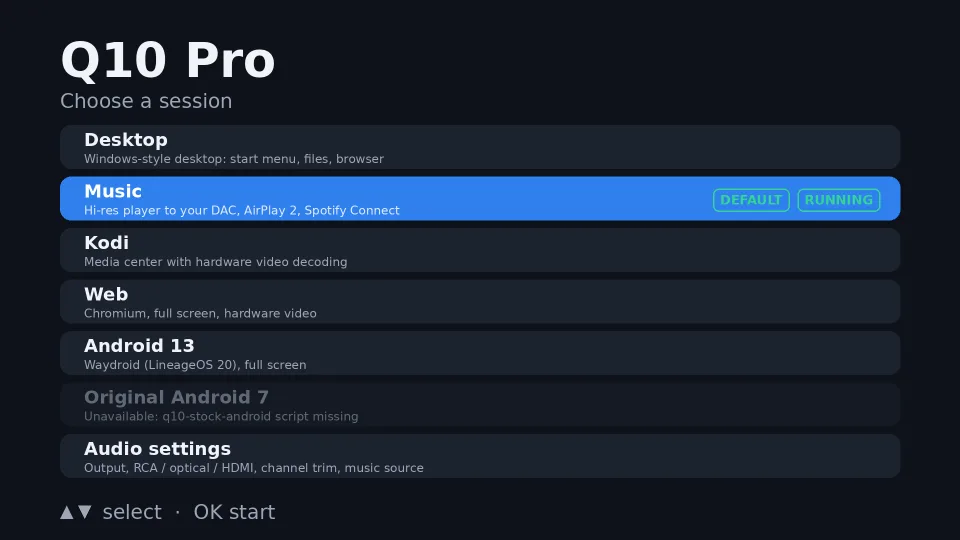
- Result: Debian trixie (armhf) on Linux 6.18.55 with a local patch series. It has display, GPU, bit-exact hardware video decode, audio on every port, Ethernet, WiFi, USB 3, the remote and the front clock. A TV menu boots into Desktop, Music, Kodi, Web or Android 13.
- The box is not bricked. Only the U-Boot environment was changed, and the change can be undone. Without the USB stick the box boots its own Android.
- Time: about five days, with no serial console.
Problem
The box is good hardware stuck on dead software. The question was how to give it a current, maintained OS without losing hardware video.
- A newer Android is not possible. The video, HDMI and GPU blobs are built against HiSilicon's 4.4 BSP. HiSilicon has left the set-top-box market, so a newer BSP will not come.
- A vendor kernel with Debian on top is a trap. The blobs speak HiSilicon's private MSP API, not V4L2 or DRM. Kodi, mpv, FFmpeg and Chromium cannot use them, so you keep old drivers and still get no hardware video.
- There is no serial console, and the stock bootloader has
bootdelay=0. A kernel that hangs and one that boots fine look the same: a black screen and no ping.
Solution
Run mainline Linux (6.18 longterm) in 32-bit mode, and port or write each media driver.
- Boot: U-Boot tries a kernel on a USB stick first and falls back to the eMMC Android.
- Bring-up without a console: use the SoC watchdog as a telemetry channel.
- Video: port the community V4L2 decoder (VDH) and post-processor (VPSS) from a 6.12 tree.
- Audio: the audio block (AIAO) had no usable driver, so a small ALSA driver was written from register recipes in the vendor SDK.
- Userland: Debian, a TV session menu, and a
kexecchain so that a bad kernel never makes the box unbootable.
Why 32-bit: the boot firmware and the TEE are 32-bit, so the kernel is AArch32. arm64-only apps will not run.
Steps
The order matters: each step gives you the tool you need for the next one.
1. Root and back up before you change anything
The stock build is eng with ro.debuggable=1, so adb root gives root and writes nothing to the box. Use it to dump all 19 eMMC partitions and check every dump against a sha256 taken on the device. Archive the matching stock firmware too. On this unit it is HMD-2.1.7, and its fingerprint must equal the box's ro.build.fingerprint.
2. Make U-Boot boot from USB first
The stock loader already has USB host and FAT support (usb start, fatload); it just isn't configured to use them. Rewrite the environment's bootcmd so that it:
- loads
trustedcore(the TEE) first, as the stock command does; - tries
fatload+bootmofuImagefrom the stick; - falls through to the original eMMC commands, copied verbatim.
No stick, or a kernel that bootm refuses, means the box simply boots Android. Keep the original environment dump so it can be written back.
⚠️ The stock environment has verify=n: bootm does not check the uImage CRC. A corrupt image is executed, not rejected, and hangs. Validate both CRCs and the arch field before you copy an image to the stick.
3. Build the kernel and device tree
- Linux 6.18,
ARCH=arm. Port the device tree from the upstream arm64hi3798cv200.dtsi; the Poplar board is the nearest relative. - Every driver needed to boot must be
=y. The Ethernet PHY's reset controller (RESET_TI_SYSCON) was=min an initramfs that loads no modules, so the PHY was never reset. - The Ethernet MAC scans direct children for its MDIO bus, so the PHY node must sit straight under the MAC, not inside an
mdio {}wrapper. Addhisilicon,phy-reset-delays-ustogether with the reset. - WiFi (AP6255) needs GPIO4_6 (
WL_REG_ON) and 1.8 V SDIO pads. - Test kernel + initramfs + PID 1 in QEMU (
-M virt) first. Boot the barezImage, not theuImage: with an appended DTB the decompressor ignores the device tree QEMU passes.
4. Bring up without a console: the watchdog ladder
Each early-boot checkpoint re-arms the SP805 watchdog with a different timeout. The time until the box resets then names the last checkpoint it reached. Seven flashes, 18 checkpoints:
| reset after | last checkpoint | proves |
|---|---|---|
| ~19 s | stext | the kernel proper was entered |
| 134 s | __create_page_tables | the pre-MMU path is done |
| 194 s | __mmap_switched | the MMU is on |
| 216 s | kernel_init_freeable | every initcall ran; about to exec /init |
Rules that make the readings trustworthy:
- Space the timeouts more than 10 s apart. Loading the kernel adds 11–14 s, and that time grows with kernel size.
- Give the deepest checkpoint the longest timeout. Nothing pets the dog after it, so "booted fine" and "died right after" reset the same way.
- Every probe must be able to fire. A "PID 1 ran" checkpoint that opens
/dev/memneeds a/dev/memnode in the initramfs. - In
init.sh, mount/devfirst and without2>/dev/null./dev/nulldoes not exist yet, and under POSIX a failed redirection skips the command while the script carries on. That one line silently disabled a whole boot stage. - Keep the timeout within 1–178 s. 300 s × 24 MHz overflows the 32-bit register.
5. CPU, reboot and power
- Secondary cores are released through the TEE (SC_GEN1). The vendor's SRAM path cannot be written from the non-secure world.
- Reboot hangs on mainline: the SoC has no restart handler. Arm the SP805 with LOAD
0x100(HiSilicon's clone never fires from 0) in a systemd shutdown hook. The box is back in about 65 s. - DVFS: CPU 396–1596 MHz at 840–1150 mV; GPU devfreq 200–400 MHz.
6. Display and GPU
- A VDP DRM driver takes over the bootloader's 1080p60 mode, with a G0 graphics plane and a V0 NV12 video plane. Switching between 1080p 60/59.94/50 and 720p works in the driver, but I haven't checked it on the TV yet.
- Panfrost drives the Mali-T720: kmscube at 59.9 fps, glmark2 score 90, 0 GPU faults.
7. Hardware video decode
Port VDH + VPSS from HiSilicon-Development/linux-6.12.y to 6.18 on 32-bit. Use FFmpeg with the v4l2-request patches (Kwiboo). The first decode "succeeded" with every frame solid green. Two bugs were stacked:
- The VDH failed on exactly the pictures that contain emulation-prevention bytes. Fix: let the driver strip them.
- VPSS failed with
state=0x8d. Fix: non-secure writes, and a real write-back buffer instead of physical address 0.


Two settings decide the speed:
- Make capture buffers cacheable. 1080p is coded 1088 lines high, so every frame is crop-copied. From uncached memory that cost 28.7 s of CPU per 300 frames. Cached: 94 fps at 3.6 s, with identical md5.
- Display zero-copy. A CPU-copied framebuffer gave 11.7 fps at 34 s of CPU. Importing the decoded dmabuf into the VDP video plane gave 48.5 fps at 3.8 s.
8. Audio
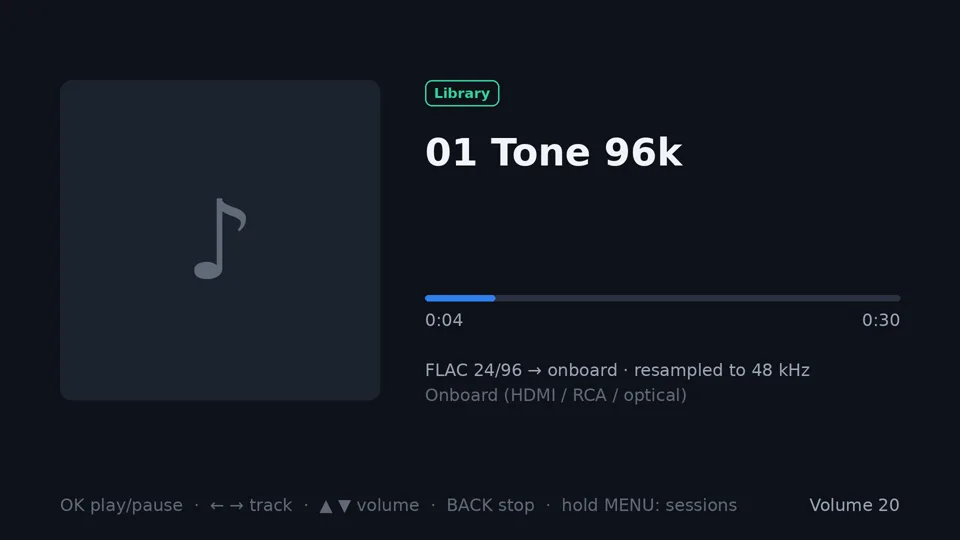
A small ALSA driver: one ring buffer read by all three ports, and the read pointer polled from an hrtimer, so it needs no interrupt and no device-tree node. HDMI audio needs N=6144 for 48 kHz (measured CTS 148,351).
9. Userland and sessions
- Debian trixie armhf, built with debootstrap. The root filesystem is an image on the stick, loop-mounted by the initramfs.
- kexec chain: the stick keeps a fixed, known-good kernel. It
kexecs into the newest kernel under an armed watchdog with a failure counter, so a bad kernel costs one reset. - Session menu on its own VT, driven by the remote or the front touch keys. The front touch board sends NEC codes into the IR receiver, so one keymap covers both.
Results
| part | status | evidence |
|---|---|---|
| 4 CPU cores, DVFS | works | 396–1596 MHz, 840–1150 mV |
| Reboot | works | SP805 restart, back in 65 s |
| Ethernet, WiFi | works | AP6255 after GPIO + 1.8 V pad fixes |
| USB 3 (side port) | works | 91.7 MB/s measured |
| Remote + front touch keys | works | one NEC keymap for both |
| Front VFD clock (TM1629A) | works | 16-segment font calibrated from photos |
| Display, GPU | works | VDP DRM, Panfrost, kmscube 59.9 fps |
| Hardware video decode | works | see the table below |
| Audio: RCA, optical, HDMI, USB DAC | works | tone heard on each; DAC 16/48 bit-perfect, 0 underruns |
| HDMI-CEC | send only | receive untested: no CEC TV here |
| SATA | works | root filesystem on the 3.5" disk (kernel k26) |
Video decode, checked by md5 of every decoded byte against FFmpeg software decode:
| clip | frames | vs software | fps |
|---|---|---|---|
| H.264 1080p60 | 2400/2400 | md5 identical | 75 |
| HEVC 1080p 8-bit | 300/300 | md5 identical | 51 |
| HEVC Main10 1080p | 300/300 | md5 identical (P010) | 31 |
| HEVC 2160p | 150/150 | md5 identical | 15 |
| VP9 1080p | 300/300 | md5 identical | 52 |
| MPEG-2 1080p / 576i | 300 / 250 | min PSNR 68.4 / 66.1 dB | 41 / 68 |
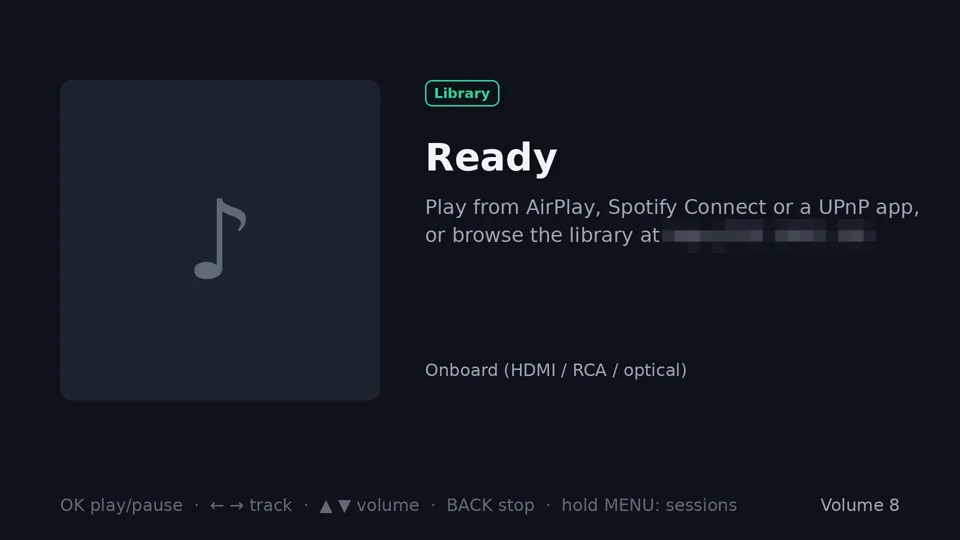
What runs on it:
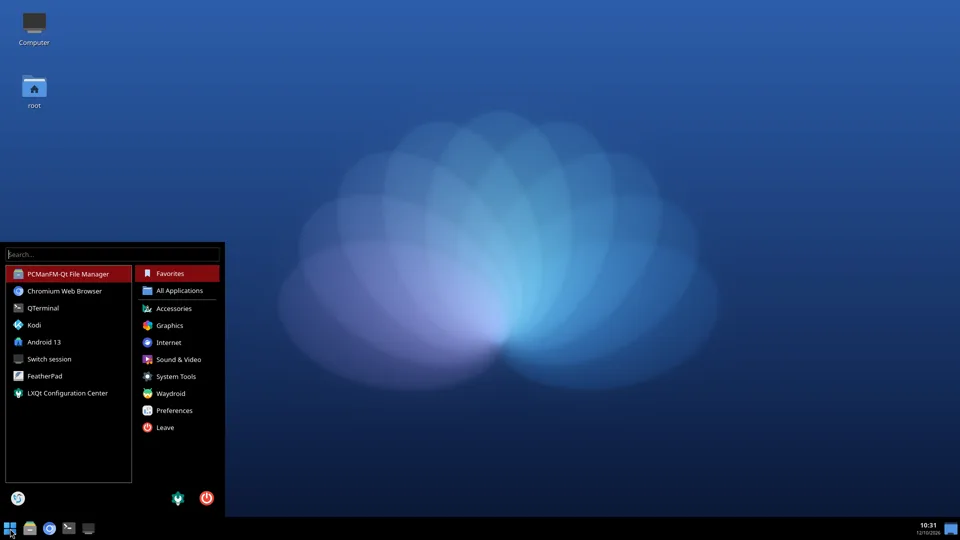
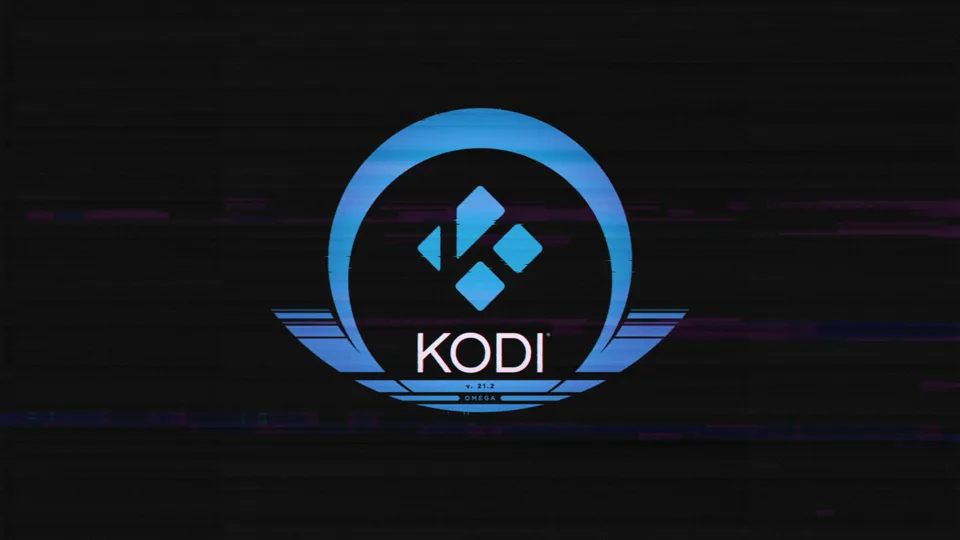
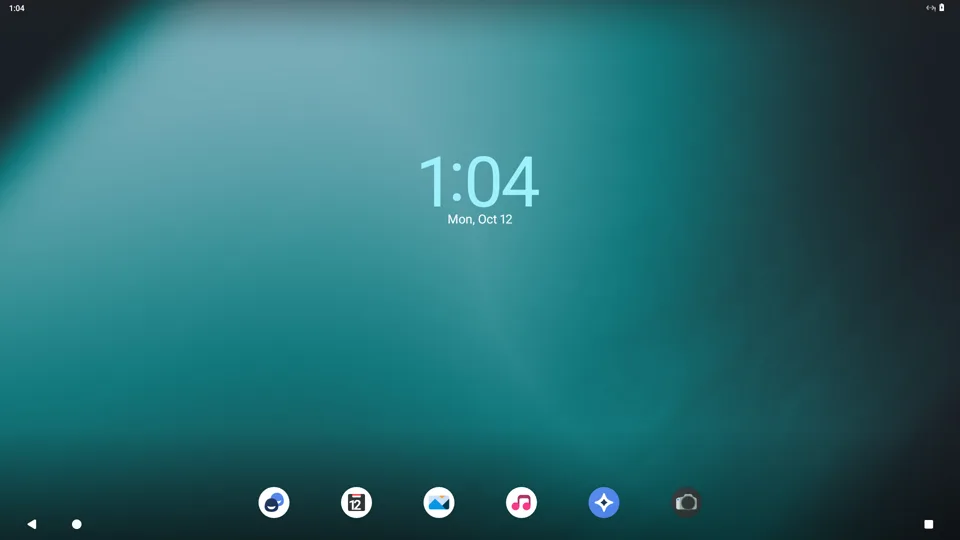
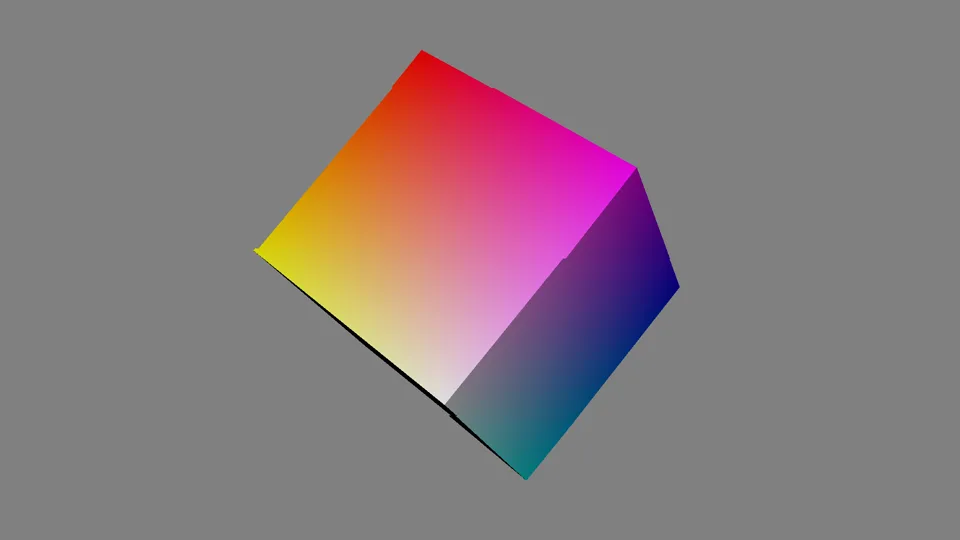
Android 13 in Waydroid needed three things:
EXT4_FS_POSIX_ACLin the kernel. Without it, vold cannot set a default ACL and system_server loops into "rebooting into recovery".- The GPU only does GLES 2.0. Set Mesa's version override in the environment (an init
.rcin the vendor overlay; a property does not work) and turn off boot-time shader priming. - Waydroid's networking assumes legacy iptables. Its nftables path works.
Limitations
- SATA: the kernel was wrong, not the hardware. The first release blamed the cable. The cable was innocent. Two new ones (83,200 ₫ — 2 × 52,000 ₫ less a 20,800 ₫ voucher) changed nothing: a 2 GB raw read still gave 6 CRC errors, 6 hard resets and a drop to UDMA/100 at 1.5 Gbps, the same numbers as before the swap. The 1.5 Gbps is not a fault either — this Seagate advertises only 1.5 Gb/s itself (
hdparm -I), and every clean SATA boot in the old logs was a different disk, a WD at 3.0 Gbps. The cause is in mainline's combo-PHY driver: it writes one tuning value,nano[0x1] = 0x8, in every mode — a value carried over from another board's PCIe setup. The vendor's SATA driver writes0x4. Finding it needed zero disk reads: an idle SATA link still carries filler symbols, so the controller's error register (PxSERR) counts 8b10b decode errors with no sector touched — 4–33 error-seconds per minute on the mainline value, 0 in five one-minute runs on the vendor one. Sweeping all 16 values: 2, 4 and 6 are clean, anything with bit 3 set errs, odd values are erratic or never link. With the vendor tuning under the real driver: 2 GB read twice and a 1 GB in-place rewrite (the same bytes written back, checksums compared) — CRC +0, 0 exceptions, 0 resets, UDMA/133, 75 MB/s. - The root took one wrong turn first. Before the kernel fix, the disk was wiped and made the root with the value written from userspace — after the driver had already trained the link, which blips the PHY. With root I/O in flight, one boot's link-reset loop ended with the disk disabled and the ext4 journal aborting; the filesystem checked clean afterwards and the box went back to the USB-stick root for the day. Kernel k26 sets the value before the first link training (
SATA mode: nano[0x1] = 0x4in dmesg), and the box now boots from the disk: three reboots in a row with 0 exceptions, 0 hard resets and the disk's CRC counter unchanged, about two minutes from power to ssh. The music library and the Android data live on the 229 GB disk now, instead of 4 GB image files on the USB stick. - The disk runs hot. With the lid's thermal pad, an idle disk climbs from 35 °C to 47 °C in half an hour and is still rising slowly. The SMART limit is 55 °C.
- Android has no internet. The kernel lacks
IP_ADVANCED_ROUTER/IP_MULTIPLE_TABLES, which netd needs for policy routing. - Android from a USB 2 stick is slow: about 50 min on the first boot, 7 min after that, against 100 s from SATA.
- No Netflix-class DRM. The stock firmware has Widevine L3 only. It is an
engbuild, not a certified device. - 32-bit only, as explained above.
- Stock Android 7 via kexec boots but shows stripe noise on the TV. It is opt-in.
- Not investigated: software-decoded frames through mpv's GL renderer raise Panfrost
INSTR_INVALID_PCfaults (356 per 720p clip). Hardware-decoded frames give 0.
Future work
- Measure the disk temperature under load (Kodi, Android), and decide what the closed box needs beyond the lid's thermal pad.
- Kernel build with policy routing, so Android gets a network.
- Test the remote in every session, and do a cold-boot test of the whole chain.
- HDMI-CEC receive, 4K/HDR output, AC3 passthrough: they need a TV that supports them.
- Stock Android 7 picture after kexec.
- Clean up the patch series and send the generic parts upstream.
Lessons that apply to other boards
- A ping reply proves that something answered. Early on, "the kernel is up" was in fact an IP camera on the address I had picked, and five build rounds rested on it. Check the MAC with
arp. - Exit code 0 does not mean it worked. Read the artifact: size, hash, the confirming log line.
- A verifier that knows only one instruction encoding reports code as missing. Check rotated immediates,
movw/movtand literal pools, in both ARM and Thumb-2. - When a reboot "never comes back", check that something will actually reset the board before you blame the image.
- A new cable is a test, not a fix. Measure the same numbers before and after it: here they did not move, and that is what pointed away from the hardware.
- You can measure a link without wearing the disk: an idle link still carries traffic, so count the errors in the controller's own error register.
- Do not retune a link under a mounted filesystem. The value that was safe on an idle disk wedged the same disk while it was busy being the root.
- A setting that has to be in place before a link trains belongs in the kernel. Userspace can only change it afterwards, under live I/O — which is exactly when it is unsafe.
References
- Upstream device tree: hi3798cv200.dtsi, hi3798cv200-poplar.dts
- Community 6.12 tree with VDEC, VPSS, VDP and HDMI drivers: HiSilicon-Development/linux-6.12.y
- FFmpeg with V4L2 request API: Kwiboo/FFmpeg (branch
v4l2-request-n7.1.3) - Panfrost / Mesa
- Waydroid
- Front panel driver: TM1629A datasheet
- Hardware review: CNX Software, Q10 Pro part 1
- Related, vendor kernel: leandrotsampa/e2d-hi3798cv200; custom loader on CV200 boxes: hanwckf/bl-hi3798c
Changelog
- 2026-10-14 — First release: the field notes and the evidence photos.
- 2026-10-14 — SATA root cause found: the mainline kernel's PHY tuning, not the cable and not the board. Two new SATA cables were bought first (83,200 ₫); neither fixed anything.
- 2026-10-14 — Tried the SATA disk as the root filesystem, and reverted it the same day.
- 2026-10-14 — Kernel k26: the SATA PHY value is set before the first link training, and the box now runs from the 3.5" disk. Three reboots in a row: 0 SATA errors, 0 link resets.
Tended by papa dragon & AI.